
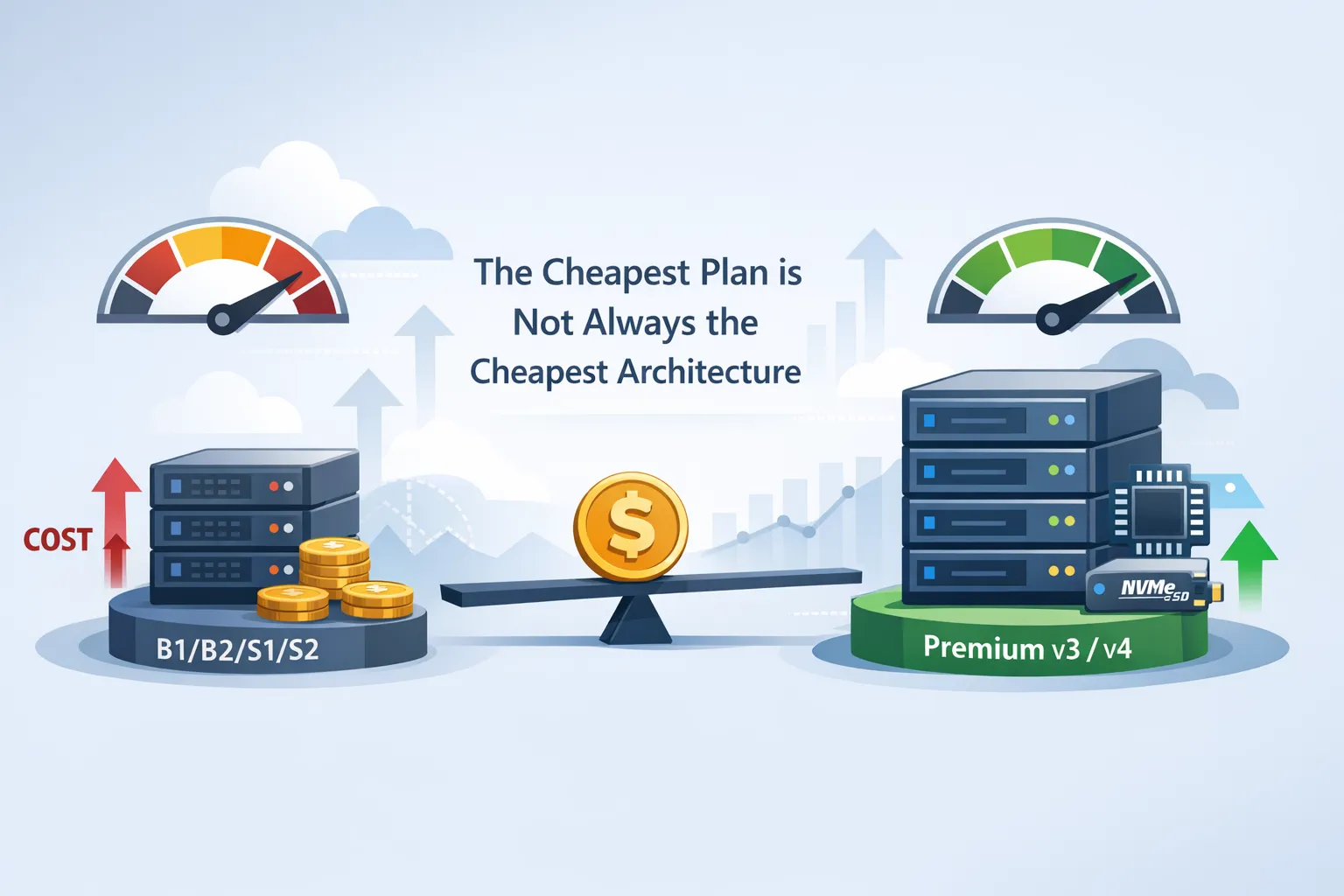
Azure App Service plans are one of those Azure topics where the cheapest-looking tier is often not the cheapest tier in practice. For many real workloads, moving from Basic or Standard to Premium v3 or Premium v4 can reduce total cost because you get more throughput per instance, better scaling headroom, and fewer performance bottlenecks.
The right way to think about this is not “Premium is always cheaper than Basic or Standard,” but rather “Premium can be cheaper per unit of useful work.” That distinction matters, because App Service billing is based on the compute resources in the plan, not on how much traffic your app actually receives.
The tier model
Azure App Service plans define the compute resources for your app, including operating system, region, instance count, VM size, and pricing tier. Apps in the same plan share the same compute resources, which means the plan is the real unit of performance, scaling, and cost.
Microsoft groups the dedicated compute tiers into Basic, Standard, Premium, PremiumV2, PremiumV3, and PremiumV4. The higher the tier, the more scale-out headroom and platform capability you get, and Premium v4 adds newer hardware characteristics such as faster processors, NVMe local storage, and memory-optimized options.
Why the lower tiers stop scaling economically
Basic and Standard are still useful, especially for smaller workloads, but they are easier to outgrow than many teams expect. A B1 or S1 plan may look sufficient on paper, but if the app starts hitting CPU, memory, or response-time limits, you often compensate by adding more instances or accepting slower performance.
That is where the hidden cost appears. Once you need multiple instances to keep latency under control, the total monthly spend can creep up quickly, and the app is still running on older, less efficient hardware than Premium v4. In other words, the cheaper tier can become the more expensive architecture when you account for scale-out behavior, operational tuning, and performance waste.
Basic and Standard are still supported
It is important to be precise here: Basic and Standard App Service tiers are not deprecated according to Microsoft’s current App Service documentation and pricing pages. Microsoft still documents them as active dedicated compute tiers, and Standard remains a valid production option in the platform docs.
So the argument for migrating should not be “because Microsoft retired them.” The stronger and more accurate argument is that Premium v3 and especially Premium v4 often deliver better value for money for production workloads that need more throughput, better scaling, or better hardware efficiency.
Why Premium v3 and v4 are attractive
Premium v4 is the most compelling option when you are optimizing for performance per dollar. Microsoft says Premium v4 offers faster processors, NVMe local storage, and memory-optimized options, and that it can help save money by running applications on fewer instances. That makes it especially interesting for apps that are CPU-sensitive, memory-sensitive, or affected by noisy-neighbor-style scaling pressure inside a plan.
Premium v3 is still a strong choice when you want a mature premium tier with good scale characteristics and broad compatibility. In many environments, Premium v3 is the practical step up from Standard because it gives you more room before you hit the point where vertical or horizontal scaling becomes mandatory. If you compare that to a fleet of underpowered B1/B2/B3 or S1/S2/S3 instances, the Premium tier can often reduce the number of instances required for the same workload.
Cost is more than the sticker price
A common mistake is comparing the hourly price of one Basic instance to one Premium instance and stopping there. That misses the fact that App Service plans are charged by VM instances, and the same app can require different instance counts depending on the tier and underlying hardware efficiency. If a Premium v4 instance can replace two or three smaller instances, the premium SKU may be cheaper at the application level even if the unit price is higher.
The cost conversation should also include operational overhead. If a weaker tier needs constant babysitting, manual scale adjustments, or performance workarounds, those engineering hours are part of the cost. Premium v3 and v4 can simplify operations by giving you more performance headroom, better scale-out room, and less sensitivity to workload spikes.
Capability differences that matter
The real value of Premium tiers is not just raw speed. They also tend to be the better fit for workloads that need stronger production characteristics, such as better scale-out options, more headroom for traffic bursts, and more room to standardize across environments. For many teams, that makes Premium the safer default for serious web apps and APIs.
Premium v4 pushes that further with more modern hardware and configuration options. If you are modernizing an application, Premium v4 is often the best place to land because it reduces the risk that the hosting layer becomes the bottleneck during growth.
Comparison table
| Tier family | Typical fit | Main limitation | Why migrate upward |
|---|---|---|---|
| B1/B2/B3 | Low-traffic workloads, dev/test, small internal apps | Limited scaling and fewer advanced production optimizations | Better throughput, better efficiency, fewer scaling headaches |
| S1/S2/S3 | Production workloads with moderate demand | Can become expensive when multiple instances are needed | More performance per instance and better hardware efficiency |
| Premium v3 | Production apps that need stronger scaling and headroom | Higher entry cost than Basic/Standard | Often lowers total app cost by reducing instance count |
| Premium v4 | Performance-sensitive and cost-optimized production workloads | Availability depends on region and deployment support | Faster processors, NVMe storage, memory-optimized options, and fewer instances |
Migration argument for architects
For architecture teams, the question is not whether Basic or Standard can run the application. They can. The better question is whether those tiers can run the application efficiently enough to justify staying there once the app is in production.
If the answer is no, then Premium v3 or Premium v4 becomes the smarter architectural choice. That is especially true for apps with steady traffic, latency-sensitive APIs, memory-heavy workloads, or teams that want to reduce the total number of instances they operate. In those cases, moving upward is not an upgrade for vanity; it is a cost control and reliability decision.
Practical recommendation
If your app is small, stable, and not constrained by performance, Basic or Standard can still be acceptable. But if your app matters to the business, has growth potential, or already needs multiple instances to stay healthy, Premium v3 and particularly Premium v4 deserve serious attention.
The strongest message for your article is simple: the cheapest plan is not always the cheapest architecture. For many real Azure App Service workloads, Premium v3 and v4 can deliver lower effective cost, better performance, and less operational friction than B1/B2/B3 or S1/S2/S3.
Microsoft documentation
Official Microsoft documentation on App Service plans is here: Azure App Service Plans. For Premium v4 specifics, see Configure Premium v4 Tier.