
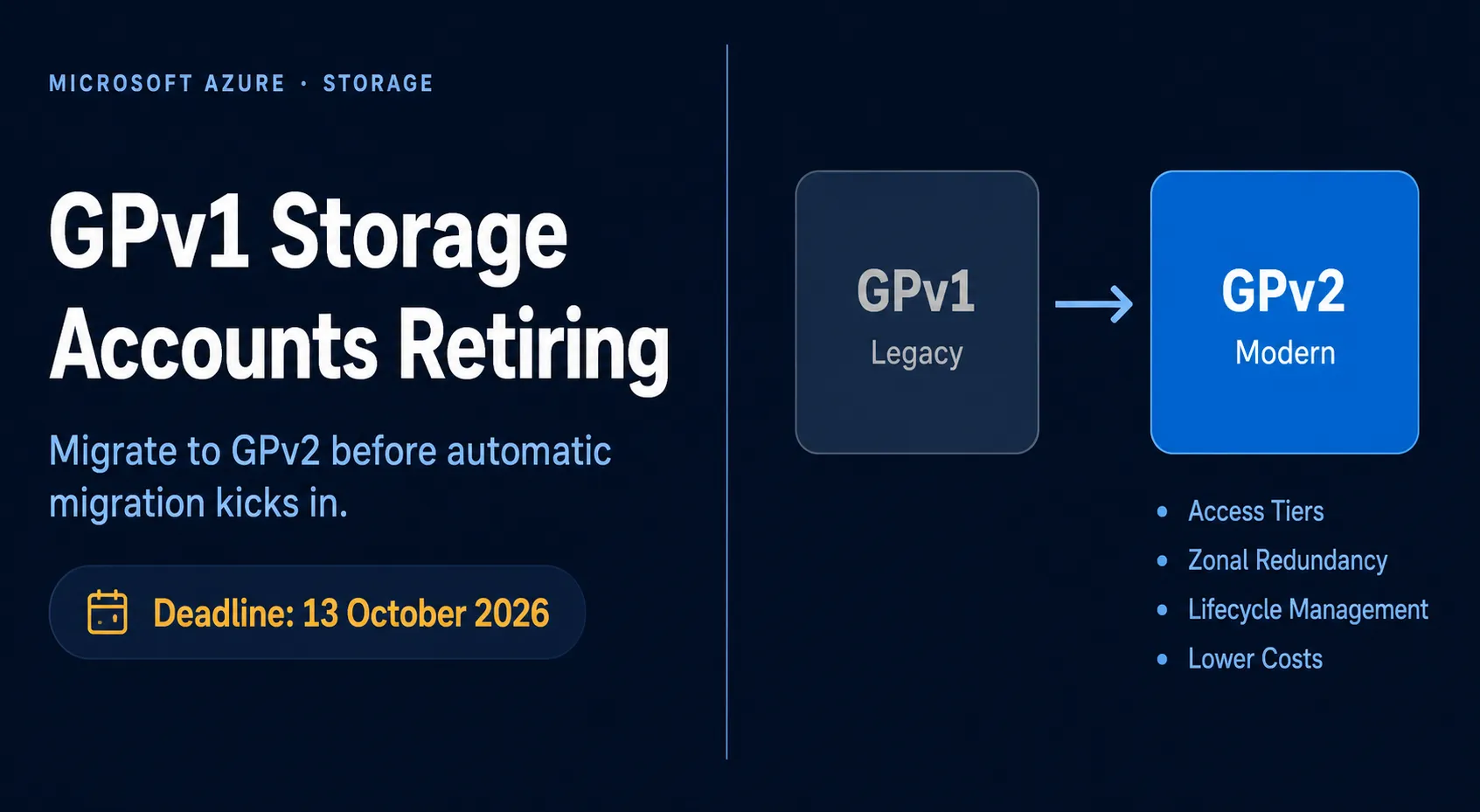
If you recently received an email from Microsoft about your Azure storage accounts, you are not alone. Microsoft is retiring General Purpose v1 (GPv1) storage accounts on October 13, 2026, and if you have any in your subscriptions, action is required. This post explains what is changing, why GPv2 is a better platform, and how to migrate safely before the deadline.
What Is Changing?
Microsoft has announced the end-of-life for GPv1 and legacy blob-only storage accounts. Starting October 13, 2026, the following changes will take effect:
- Creation of new GPv1 accounts will be blocked
- Existing GPv1 accounts will be auto-migrated to GPv2, which may result in higher billing costs if you are not prepared
- Azure Databricks-managed storage accounts will be migrated separately by Microsoft – no action required for those
The key message: if you do nothing, Microsoft will migrate for you, but costs may increase unexpectedly. Taking control of your migration is strongly recommended.
Why GPv2 Is the Better Option
GPv2 is not just a rename, it brings meaningful improvements over GPv1:
| Feature | GPv1 | GPv2 |
|---|---|---|
| Access Tiers (Hot/Cool/Archive) | ❌ Not supported | ✅ Fully supported |
| Blob-level tiering | ❌ | ✅ |
| Lifecycle Management Policies | ❌ | ✅ |
| Zonal Redundancy (ZRS) | ❌ | ✅ |
| Lower per-GB storage cost | ❌ | ✅ (up to ~30% cheaper) |
| Latest Azure Storage features | ❌ | ✅ |
| Reserved capacity discounts | ❌ | ✅ |
GPv2 gives you access to blob-level tiering, which means you can automatically move data to cheaper Cool or Archive tiers based on access patterns, something GPv1 simply cannot do. This alone makes GPv2 a superior platform for cost-conscious cloud management. More about this feature in a future blog post.
How to Identify Your GPv1 Accounts
Before migrating, you need to find all affected accounts. There are several ways to do this:
Azure Portal: Go to the Storage Center in the Azure Portal and filter by Kind: Storage to list GPv1 accounts.
Azure CLI:
az storage account list --query "[?kind=='Storage'].{Name:name, ResourceGroup:resourceGroup, Kind:kind}" -o tablePowerShell:
Get-AzStorageAccount | Where-Object { $_.Kind -eq 'Storage' } | Select-Object StorageAccountName, ResourceGroupName, KindAzure Resource Graph Explorer:
Resources
| where type == "microsoft.storage/storageaccounts"
| where kind == "Storage"
| project name, resourceGroup, location, kind
How to Migrate to GPv2
The migration is in-place and non-destructive, your data is moved, and the process is irreversible (you cannot downgrade back to GPv1 after upgrading).
Option 1: Azure Portal
- Navigate to your storage account in the Azure Portal
- Go to Settings > Configuration
- Under Account kind, select Upgrade
- Confirm by entering the storage account name
- Click Upgrade
Option 2: PowerShell
Set-AzStorageAccount -ResourceGroupName <resource-group> `
  -Name <storage-account> `
  -UpgradeToStorageV2 `
  -AccessTier Hot
Option 3: Azure CLI
az storage account update \
  -g <resource-group> \
  -n <storage-account> \
  --set kind=StorageV2 \
  --access-tier=Hot
Pre-Migration Checklist
Before upgrading, validate these items to avoid surprises:
- Inventory all GPv1 accounts across all subscriptions
- Check for Management Locks – Read-Only or Delete locks may block the upgrade
- Disable unsupported features if applicable (soft delete, immutable storage, encryption scopes on some older accounts)
- Review IaC templates (Bicep, Terraform, ARM) and update the
kindproperty fromStoragetoStorageV2 - Evaluate pricing impact – use the Azure Pricing Calculator to compare GPv1 vs GPv2 costs
- Test in non-production first before migrating business-critical accounts
- Validate applications post-upgrade to confirm no connectivity or compatibility issues
A Note on Billing
After migration, GPv2 introduces access tier-based billing. If you previously relied on GPv1’s flat pricing model, expect a change in your invoice structure. The good news: with lifecycle management policies, you can automatically transition data to cheaper tiers (Cool, Cold or Archive) and offset, or even reduce, your total storage costs.
Plan your access tiers strategically:
- Hot: Frequently accessed data
- Cool: Data accessed infrequently, stored for at least 30 days
- Cold: Data accessed infrequently, stored for at least 90 days
- Archive: Rarely accessed data, stored for at least 180 days
Key Dates at a Glance
| Date | Event |
|---|---|
| Now – October 12, 2026 | Manual migration window (recommended) |
| October 13, 2026 | GPv1 account creation blocked |
| October 13, 2026 | Auto-migration of remaining GPv1 accounts begins |
Final Thoughts
This is a straightforward migration with a clear deadline. Unlike some Azure retirements that involve significant rework, upgrading from GPv1 to GPv2 is an in-place, low-risk change that delivers immediate benefits. The risk is not in migrating, it is in waiting and allowing Microsoft to auto-migrate on your behalf with potential unplanned billing changes.
Take 30 minutes today to inventory your storage accounts and schedule your migrations. Your future self, and your finance team, will thank you.
References: