
Disclosure: Logitech provided this demo unit for evaluation purposes, but the opinions expressed in this article are entirely my own. The fact that the unit was sent to me did not influence my assessment, conclusions, or recommendations.
For professionals who spend a significant part of their work on stage, in workshops, or leading technical sessions, the Logitech Spotlight 2 is more than a slide clicker. It is a presentation tool designed to improve flow, audience engagement, and speaker confidence through digital highlighting, haptic feedback, customizable controls, and dual wireless connectivity.
Why This Device Matters
Presentation remotes often solve a very narrow problem: moving from one slide to the next. The Spotlight 2 expands that role by combining traditional slide control with tools for directing attention on screen, including Spotlight, Squarelight, Magnify, Annotate, and a laser pointer. The laser point was actually something that I have missed on the previous generation. That combination makes it particularly relevant for trainers, consultants, and conference speakers who need to stay mobile while keeping the audience focused on key visual elements.
Design and Build Quality
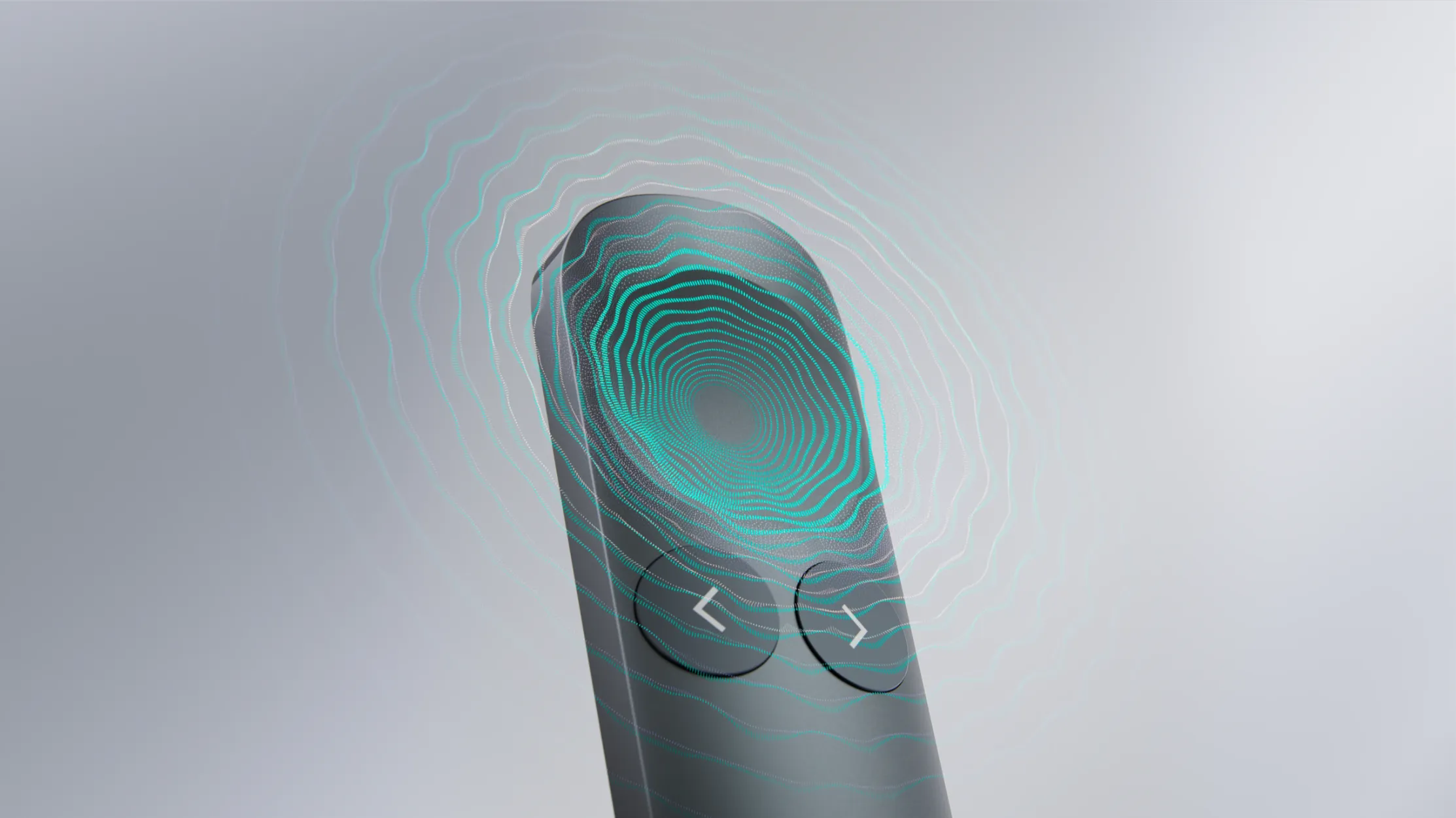
The Spotlight 2 has a premium, compact design intended for regular professional use, with a shape that sits naturally in the hand and a thumb indentation that helps orient the device without looking down. If you have bigger hands it might be too small for you. The remote is sleek and pocketable, and Logitech offers it in several collors: Graphite, Sand, and Light Lilac finishes. The central interaction area is pressure-sensitive, which gives the device a more modern feel than conventional remotes built around only physical buttons.
The strongest part of the Spotlight 2 is how it changes the presentation experience in practice. Instead of simply advancing slides, it helps the speaker guide attention with digital effects that are more visible than a standard laser in many hybrid and online presentation scenarios. This is especially useful when presenting complex architecture diagrams, or dashboards where the ability to emphasize a specific region of the screen can improve clarity for both in-room and remote audiences.
Another notable addition is haptic feedback, which provides a tactile confirmation when certain actions are triggered. That matters because a speaker can confirm interactions by feel rather than by glancing down at the remote, which helps preserve eye contact with your audience/class and stage presence.
Confidence
One of the more unusual features in the Spotlight 2 is its guided breathing capability, which uses haptic pulses to support a short calming exercise before stepping on stage. This is so awesome!!! While that may sound like a small extra, it reflects a broader design goal: the device is intended not just to control slides, but to support the presenter’s confidence and rhythm before and during a session.
Connectivity and Battery Life
The Spotlight 2 supports Bluetooth and the Logi Bolt USB-C receiver (included) This gives flexibility across different laptop setups and corporate environments. It is compatible with PowerPoint, Google Slides, and Keynote on Windows and macOS.
Regarding battery performance, Logitech states that the battery can last up to three months on a full charge. Still need to check it out! For me as a frequent traveler and event speaker, it is a very valuable feature.
Customization
Using Logi Options+, the Spotlight 2 allows customization of the Action Button for tasks such as starting a presentation or muting. It can also be configured to other functions, but I still need to try this…
Best Fit
The Spotlight 2 is best suited to professionals who present frequently and want more than simple next-slide functionality. Technical trainers, public speakers, educators, workshop leaders, and consultants are the clearest audience because they can make regular use of the digital highlighting, haptics, range, and customization features.
For occasional presenters, the device may feel premium in both features and price compared with simpler clickers. But for speakers who rely on delivery quality as part of their work, the added capability is easier to justify.
The Logitech Spotlight 2 stands out because it treats presentation delivery as a complete experience rather than a button-pressing task.