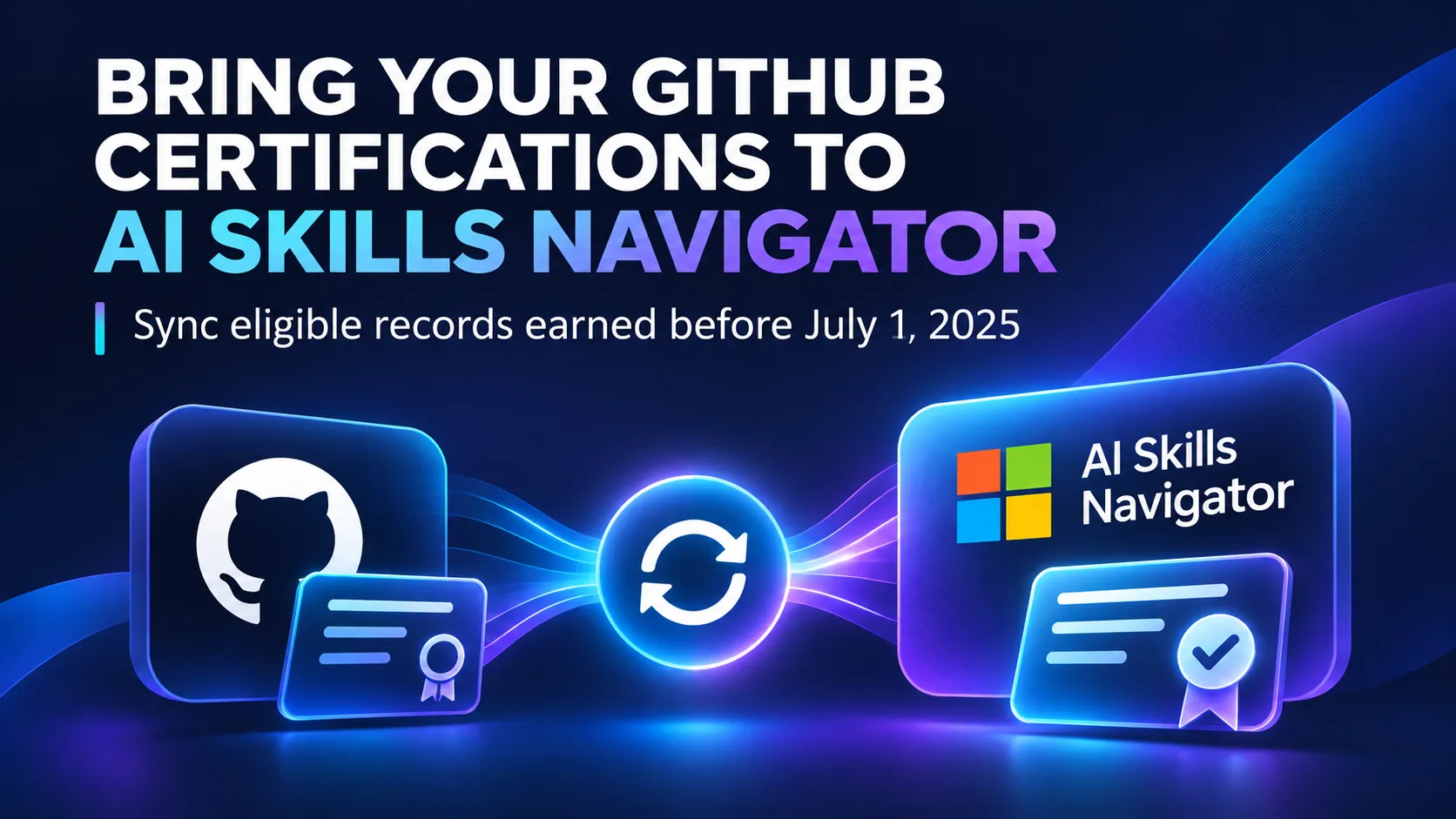
If you’ve earned a GitHub certification before July 1, 2025, there’s an important update you shouldn’t miss.
GitHub has announced that eligible historical certification exam records can now be synchronized with Microsoft AI Skills Navigator (ASN) through GitHub Learn.
This is useful news for developers, IT professionals, trainers, and technology enthusiasts who have invested time in validating their GitHub skills through certification exams.
In this article, I’ll explain what the announcement means, who is eligible, and how to connect your certification records.
What is Microsoft AI Skills Navigator?
Microsoft AI Skills Navigator is an experience designed to help people discover learning opportunities, develop AI-related skills, and explore professional credentials.
It brings together learning opportunities and achievements across Microsoft and GitHub, helping individuals discover ways to develop their skills and keep track of their learning journey.
You can explore the platform here:
Why does this matter for GitHub certification holders?
GitHub certifications represent an investment in professional development and demonstrate knowledge of GitHub technologies.
The new synchronization capability provides a way to connect eligible historical GitHub certification exam records to Microsoft AI Skills Navigator.
This is particularly relevant if you earned GitHub certifications before July 1, 2025.
It is another step towards bringing Microsoft and GitHub learning achievements closer together.
Who is eligible?
According to the announcement from GitHub, the synchronization opportunity applies to eligible certification exam records earned before July 1, 2025.
To get started, you’ll need:
- A GitHub account associated with your existing certification records.
- A personal Microsoft account.
- An AI Skills Navigator profile. You can create one during the linking process if you don’t already have one.
GitHub recommends using your legal name and reviewing your account details before confirming the connection.
How to synchronize your GitHub certifications
The process is straightforward.
Step 1 – Sign in to GitHub Learn
Visit GitHub Learn and sign in using the GitHub account associated with your certification records.
Then open Earned credentials.
Step 2 – Link your Microsoft account
If you haven’t linked a Microsoft account yet, select Link Microsoft account.
Then:
- Sign in using your personal Microsoft account.
- Follow the prompts to create an AI Skills Navigator profile if needed.
- Make sure your legal name and account details are correct.
- Confirm the account-linking process.
Step 3 – Synchronize your certification records
Return to Earned credentials in GitHub Learn.
Select Sync now to send your eligible exam records to Microsoft AI Skills Navigator.
GitHub Learn will confirm when the synchronization has completed.
Step 4 – View your achievements in AI Skills Navigator
Once GitHub Learn confirms the sync, select View in Microsoft ASN.
This will take you to Microsoft AI Skills Navigator, where you can view the connected experience.
Already synchronized? If your records already show the status Synced, no further action is needed.
What about certifications earned on or after July 1, 2025?
The date matters because GitHub’s certification exam delivery and credential experience changed around July 1, 2025.
The email announcement specifically covers eligible historical exam records earned before July 1, 2025. It does not ask you to repeat the process for records that already show as synchronized.
If you have certifications from different periods, check the relevant records and their status in your GitHub Learn profile. For the latest details about certification records and where they are managed, consult the GitHub Certifications page.
My thoughts
I see this as a positive step towards bringing the Microsoft and GitHub learning ecosystems closer together.
As someone who works extensively with Microsoft technologies, Azure, AI, and GitHub, I believe continuous learning and skills validation are increasingly important. Certifications are one way to demonstrate knowledge, and making achievements easier to access across learning experiences is a welcome improvement.
If you earned GitHub certifications before July 2025, I’d recommend taking a few minutes to check your GitHub Learn profile and synchronize your eligible records.
Don’t leave your achievements behind!
Useful links
Have you synchronized your GitHub certifications yet? Share your experience and help other certification holders make sure their achievements are connected.